Why You're Losing Clients at 10pm (And How to Catch Them While You Sleep)
 Bobby
Bobby
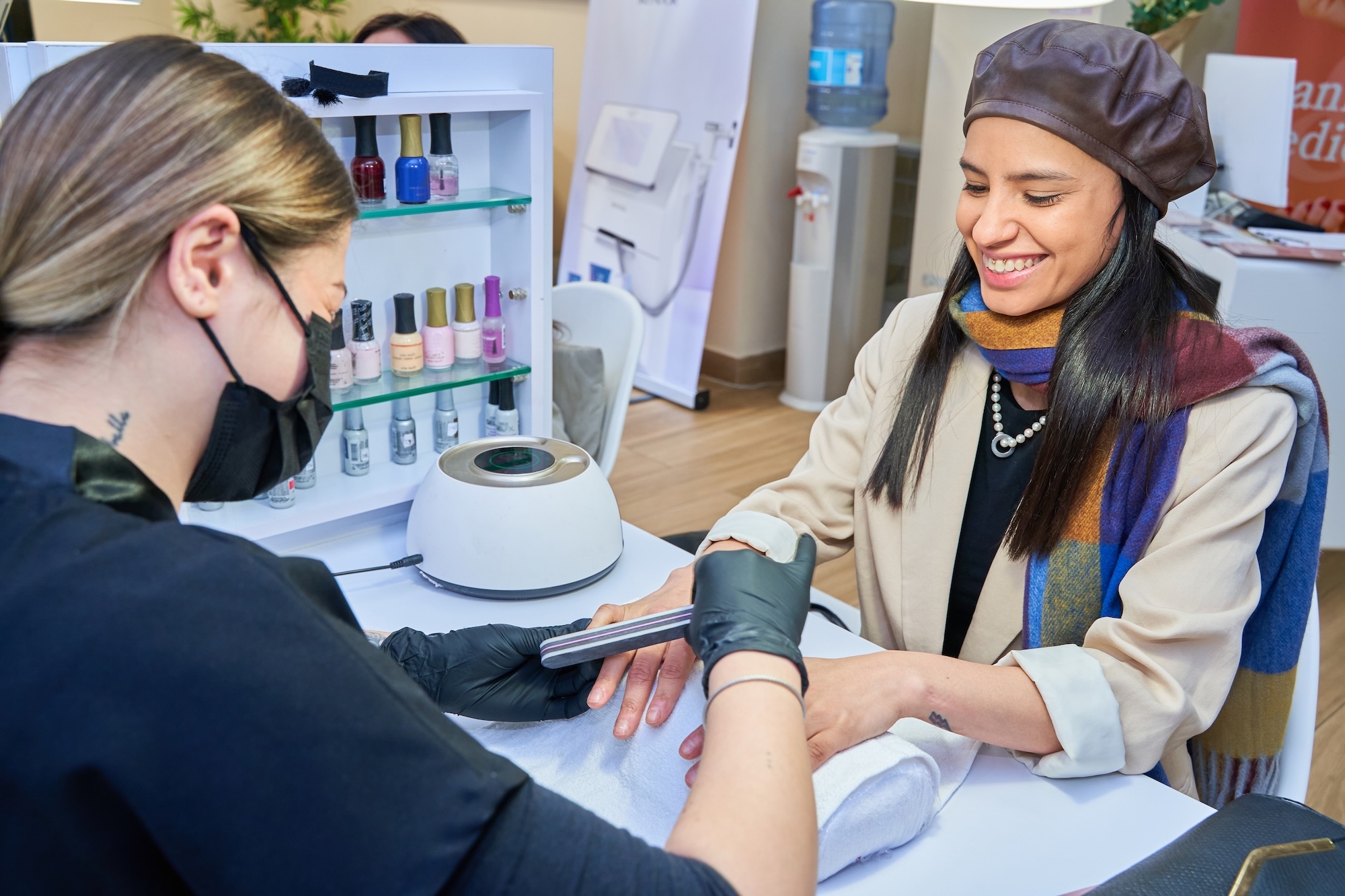
10:30 PM. You're turning off the salon lights. Heading home, thinking about dinner. And at that moment Maria — a new client from Instagram messages you: "Hi, do you have space for a manicure Friday afternoon?" You're tired. You'll reply tomorrow morning. By morning, Maria has already booked with the competitor who has an online system. You've lost a client you never even saw.
This happens daily to thousands of salons. And this is exactly what Krasotata changes.
Why 60% of clients book outside business hours
Research from the British beauty association shows that 60% of bookings for salon services happen between 7 PM and midnight. The reasons are simple: the average client's day is busy. Work, kids, household, gym. Only in the evening, when they sit on the couch with their phone, comes the moment to think about themselves — about a manicure, a haircut, a treatment.
If at that moment your only option is "DM me on Messenger and wait for a reply" — you lose. Because the client decides now. Not tomorrow. And if you're not available — the competitor with an online system wins.
For a salon with 200 clients monthly, about 120 of them want to book outside business hours. If you lose even 25% of them, that's 30 missed bookings × average €30 = €900 every month. €10,800 a year. Enough for a 4th paycheck.
What Krasotata 24/7 booking actually does
After signing up to Krasotata you get your own online booking page. The address is krasotata.net/your-salon-name (or you can connect it to your own domain on Personal or Business plans).
This page works 24 hours a day, 365 days a year. When a client opens it:
- Sees all services with prices, duration and description — grouped by category (hair, manicure, cosmetics, etc.)
- Picks a specialist — if you have a team, the client can book a specific person or pick "first available"
- Sees real availability — the system automatically calculates when each specialist is free, accounting for current bookings, working hours, breaks, and buffer time between procedures
- Books in under 60 seconds — fills name, phone, email, optionally a specifics note
- Gets instant confirmation — email with details, address, instructions, optionally an .ics file for their calendar
- Receives an SMS reminder 24 hours before (Personal+ plan) with a 1-click confirm or cancel option
Custom booking rules
You can configure:
- Minimum and maximum lead time — e.g., "minimum 3 hours in advance" (so you have buffer) and "maximum 60 days in advance" (for planning)
- Buffer time between procedures — e.g., 10 minutes for cleanup and prep
- Deposits — require 30%, 50% or 100% prepayment for specific services (especially long ones like coloring)
- Cancel policy — e.g., "free cancel 24h before, after that 50% fee"
- Black-out dates — close specific dates at once (vacation, holidays, training days)
Real example: Sofia nail tech
Anna is a solo nail tech with 200 regular clients in Sofia. Before Krasotata she spent 2 hours daily in Messenger and Viber, replying to inquiries. After enabling the 24/7 page, in the first month she got 47 new bookings — all between 9 PM and 11:30 PM, exactly when she was sleeping.
Equally important: the late-night DMs stopped. Clients now know they can book directly. Anna got back her evenings and time with the kids.
How to start right
After creating the Krasotata account and setting up services, specialists, and working hours (takes 30 minutes), put the link in 4 key places:
- Instagram bio — replace "Messenger me" with a direct link
- Facebook page — add a "Book Now" button with the link
- Google Business Profile — set up "Booking link" in your profile (boosts local SEO ranking)
- Email signature and invoices — for returning clients
Before promoting, do a test booking in incognito mode. Check that confirmation arrives, SMS comes through, blocked dates don't accept bookings.
Start free today krasotata.net